

Description
Download SPC PRO Cloud – IP camera, DVR camera, video management, live monitoring, surveillance, security app, free surveillance tool, Android security app, remote access, home security, cloud backup, playback feature, Android APK
Overview
SPC PRO Cloud is a free video management application developed by SPC MOBILE, designed for users who manage IP (internet protocol) cameras and DVR (digital video recorder) cameras. The software serves as a centralized tool for monitoring, recording, and reviewing security footage from connected surveillance devices. Its primary purpose is to enhance home and property security by enabling real-time visibility and historical playback of recorded events. The app is particularly suited for individuals seeking reliable remote access to their security systems, allowing them to monitor their premises from anywhere with an internet connection.
Target users include homeowners, small business owners, and property managers who rely on networked cameras for surveillance. The app supports continuous monitoring, making it ideal for users who require all-day oversight of their environments. It also caters to those who value data preservation, offering a backup feature to safeguard recordings. While the software is free to download and use, access to its full functionality requires account creation. This ensures secure user authentication and protects sensitive video data. Real-world usage scenarios include monitoring a vacant home during travel, observing a retail storefront after hours, or reviewing suspicious activity captured by a security camera.
Key Features & Capabilities
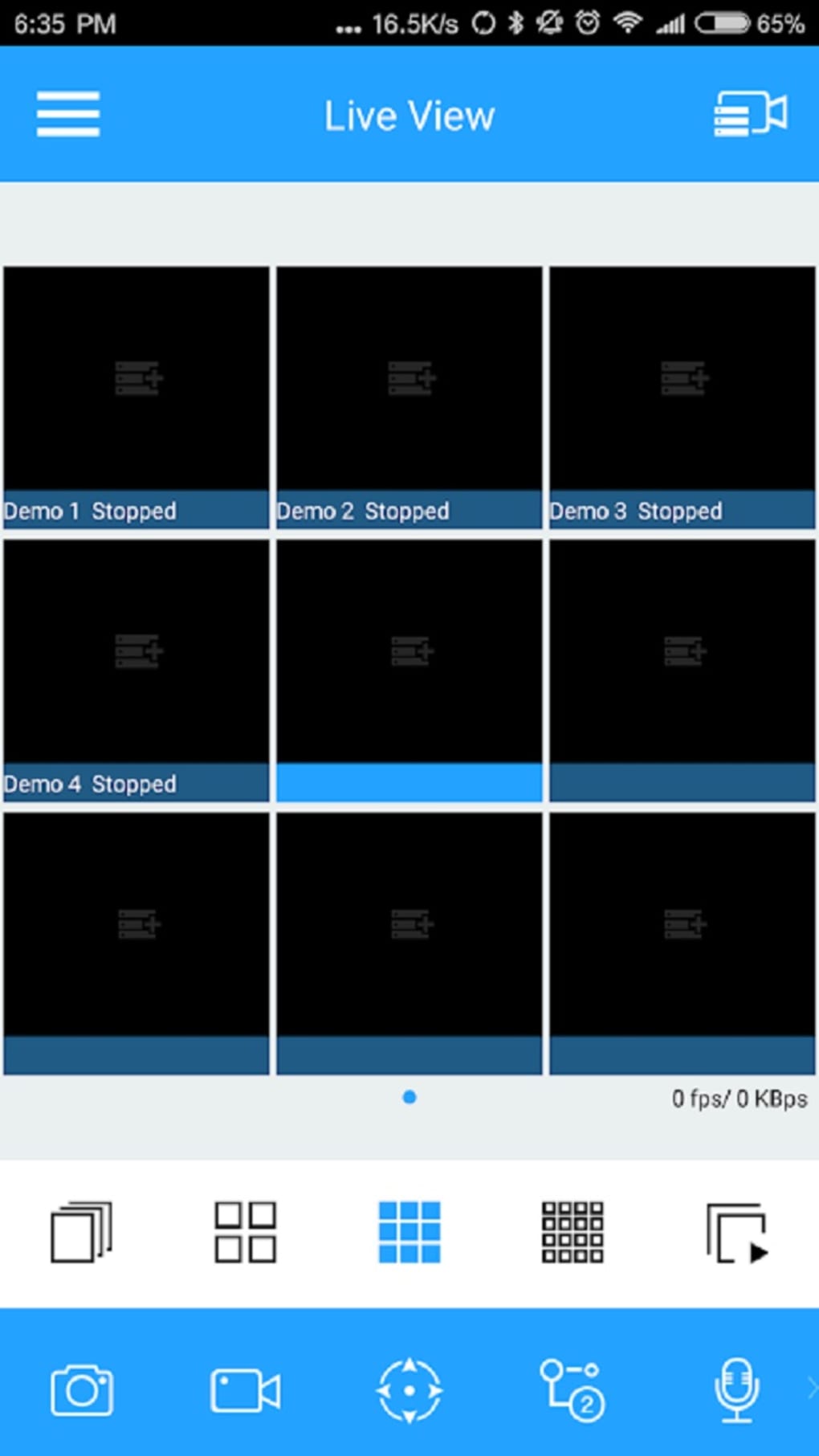
- Live Monitoring: Enables real-time viewing of video feeds from connected IP and DVR cameras, allowing users to observe their property remotely through their Android device.
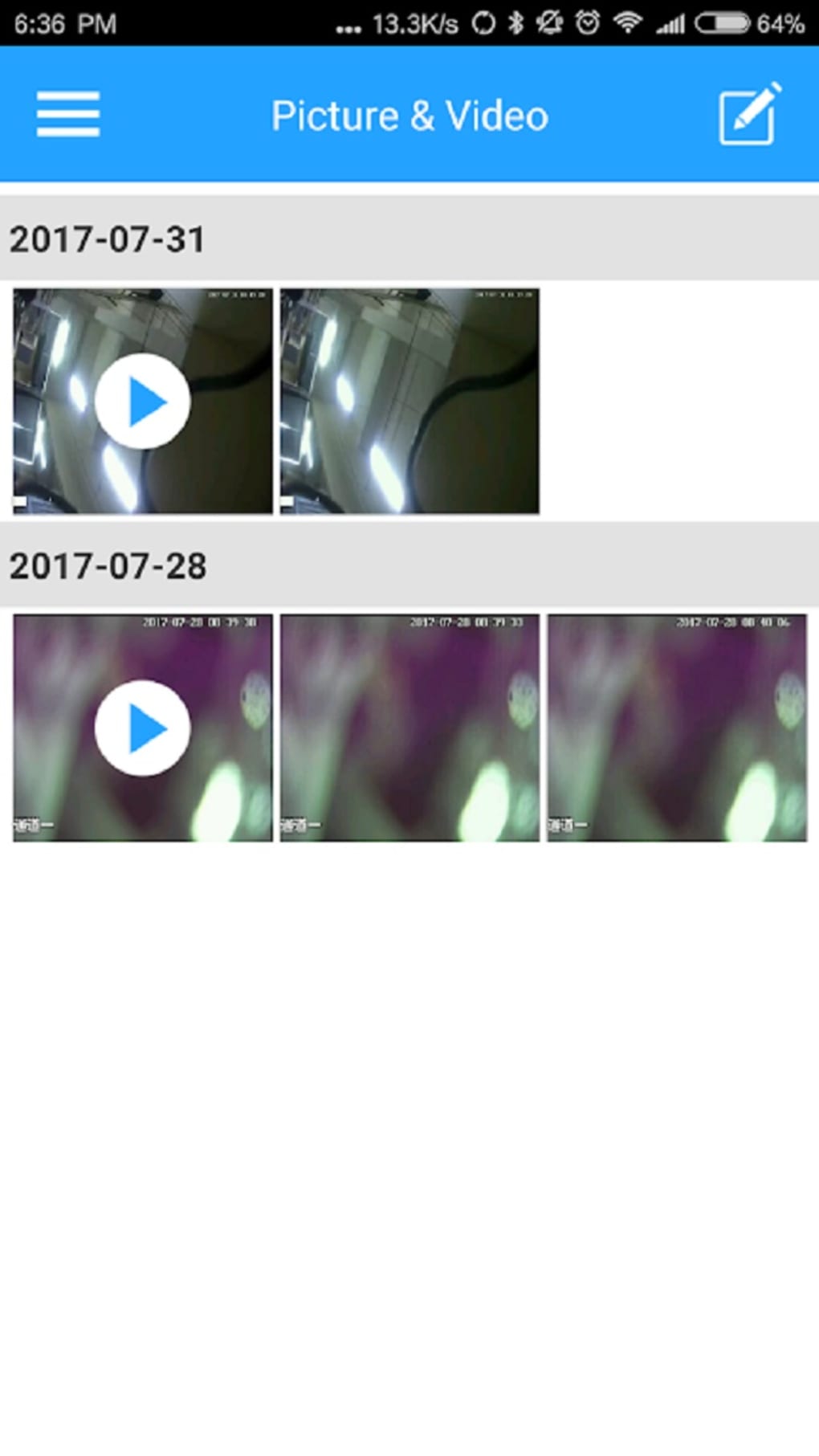
- Video Recording: Automatically captures footage from surveillance cameras, providing a documented record of events for later review or evidence.
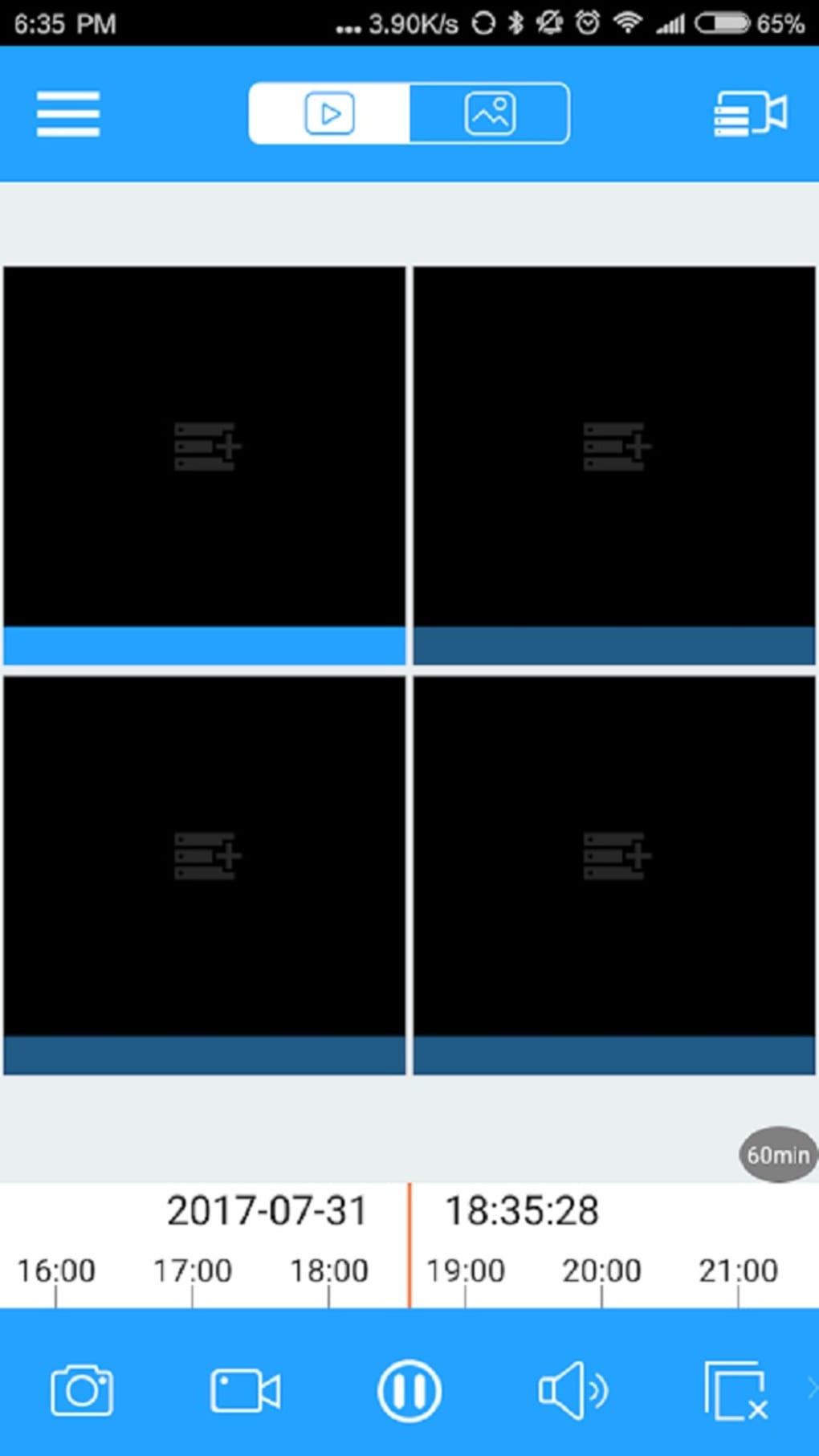
- Playback Feature: Allows users to access and review recorded videos at any time, supporting retrospective analysis of past incidents such as trespassing or unauthorized access.
- Cloud Backup: Offers a secure method to store copies of recorded footage in the cloud, reducing the risk of data loss due to device failure or tampering.
- Remote Access: Facilitates secure access to camera feeds from any location, provided the user has an internet connection and valid login credentials.
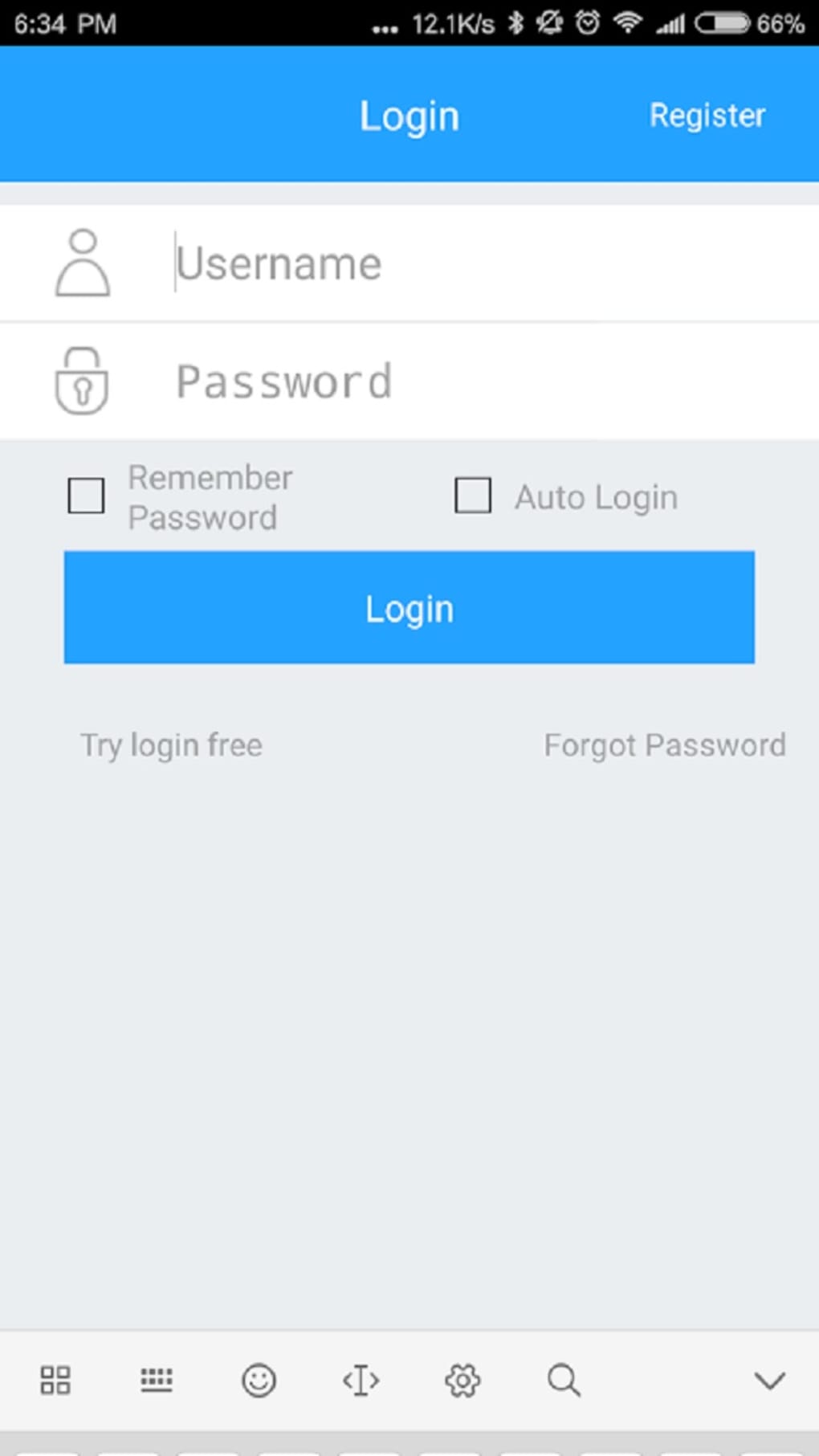
- Account-Based Access: Requires registration to use the app, ensuring that only authorized users can view or manage surveillance data.
These features collectively support proactive security management. For example, a homeowner can check in on their property during a vacation, review footage from a recent break-in attempt, and verify that backups were successfully stored. The playback and backup functions are especially valuable for legal or insurance purposes. The app’s design emphasizes usability and functionality, focusing on core surveillance needs without unnecessary complexity.
User Interface, Workflow & Performance
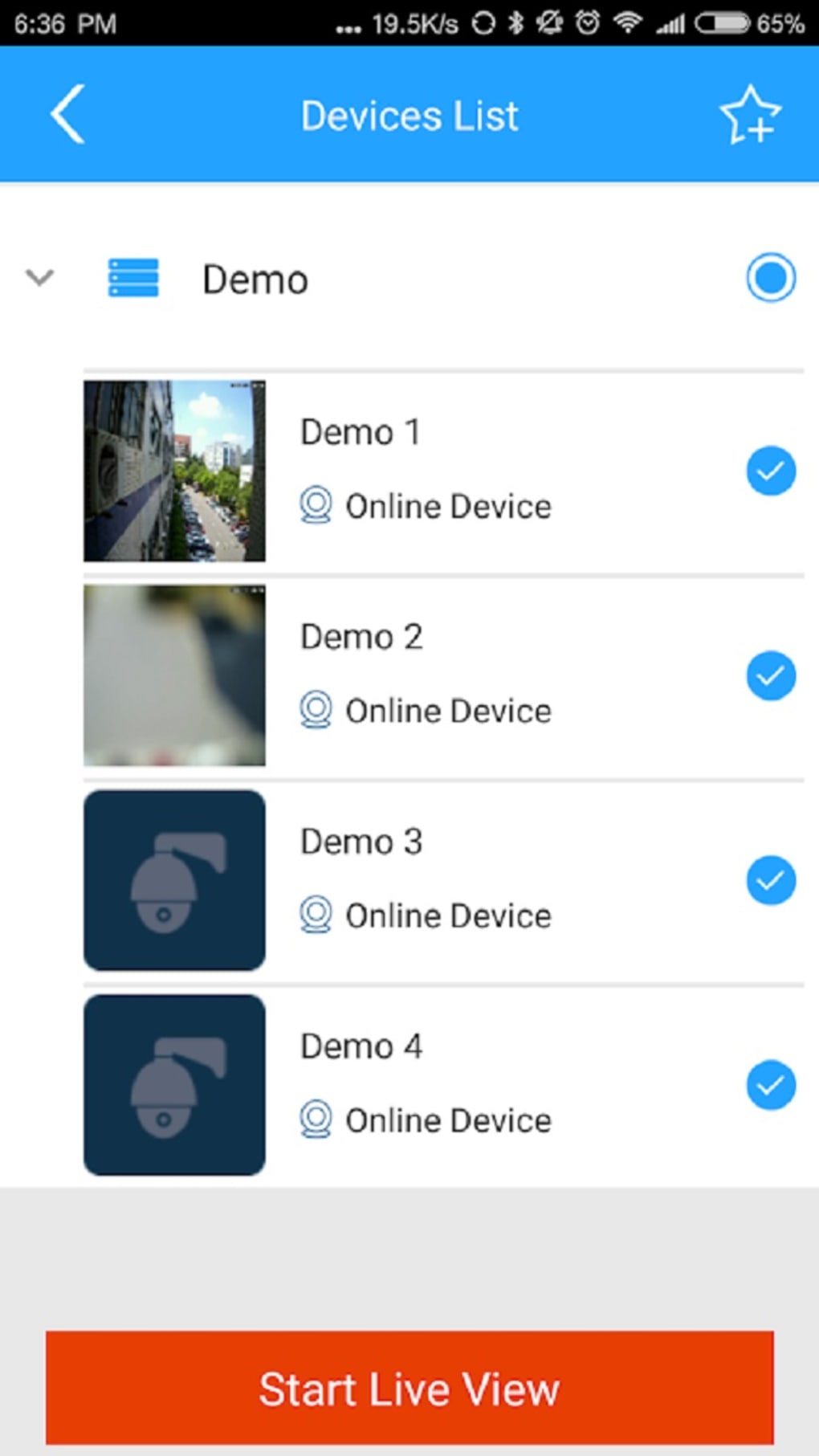
The user interface of SPC PRO Cloud is structured to support intuitive navigation through its core functions. Users can access live feeds, playback recordings, and backup settings through a streamlined menu system. The layout prioritizes quick access to active camera views, with minimal steps required to switch between devices or review footage. Navigation is consistent across screens, promoting ease of use for both novice and experienced users.
Workflow efficiency is enhanced by the app’s focus on essential tasks. From launching the app to viewing a live feed or retrieving a recorded clip, the process is designed to be direct and responsive. The developer did not specify resource usage details, so general performance behavior is based on typical mobile application patterns. The app operates on Android devices, and its performance may vary depending on device hardware and network conditions. Stability appears to be maintained through account-based access, which helps prevent unauthorized access and potential crashes due to session conflicts.
While specific CPU or RAM usage metrics were not provided, the app’s lightweight size of 22.3 MB suggests efficient memory management. Users should expect smooth operation on modern Android smartphones and tablets, though older devices may experience delays during video loading or playback. The developer did not specify update frequency or background processing behavior.
Compatibility & System Requirements
SPC PRO Cloud is designed exclusively for Android devices and is distributed as an APK file. It is compatible with Android smartphones and tablets running a supported version of the operating system. The software version is 1.0.1, and the installation file size is 22.3 MB. This indicates a compact footprint, suitable for devices with limited storage capacity.
Exact system requirements were not listed by the developer. Compatibility information is limited to the OS platform. Users should ensure their device meets minimum Android requirements for APK installation, including enabling "Unknown Sources" in security settings. The app is not available for iOS devices, meaning it cannot be used on iPhones or iPads. No mention was made of specific hardware requirements such as processor speed, RAM, or camera compatibility. Users are advised to verify device compatibility before installation.
Pros and Cons
Pros
- Free to download and use, offering accessible security monitoring for budget-conscious users.
- Supports live viewing and playback of surveillance footage from IP and DVR cameras.
- Includes cloud backup to protect recorded data from loss.
- Remote access allows monitoring from any location with internet connectivity.
- Account-based access enhances security and user control over data.
Cons
- Exclusive to Android devices; no iOS support available.
- Requires account creation to access any features.
- Exact system requirements and performance details were not provided.
- APK distribution may raise security concerns for cautious users.
- Limited to video management—no advanced analytics or AI-based detection.
FAQ Section
Is SPC PRO Cloud compatible with iOS devices?
No, the app is currently available only for Android devices and is not compatible with iPhones or iPads.
Do I need to create an account to use the app?
Yes, account creation is required to access any features within SPC PRO Cloud. This ensures secure access to your surveillance data.
Is the app safe to download and install?
SPC PRO Cloud is distributed as a free APK. While the developer is known as SPC MOBILE, users should only install from trusted sources and ensure their device’s security settings allow installation from unknown sources.
Can I use SPC PRO Cloud without an internet connection?
Basic functionality such as viewing locally stored recordings may be available offline, but live monitoring and cloud backup require an active internet connection.
How often does the app update?
The developer did not specify update frequency. Users should check for new versions manually or through trusted APK sources.
Final Thoughts
SPC PRO Cloud delivers a focused and functional solution for users managing IP and DVR cameras on Android devices. Its core strengths lie in live monitoring, playback, and cloud backup—essential features for modern home and property security. The free pricing model makes it accessible to a wide audience, while the account-based access ensures data privacy. Although the app is limited to Android and lacks detailed technical specifications, its straightforward design and reliable core features make it a solid choice for basic surveillance needs.
Individuals who own compatible cameras and seek a simple, free tool for remote access and video management will find SPC PRO Cloud effective. While it does not offer advanced AI or analytics, it fulfills its intended purpose efficiently. For users prioritizing ease of use, remote access, and data backup, this app stands out as a practical option.
Download SPC PRO Cloud now
Guides & Tutorials for SPC PRO Cloud APK
How to install SPC PRO Cloud APK
- Click the Preview / Download button above.
- Once redirected, accept the terms and click Install.
- Wait for the SPC PRO Cloud APK download to finish on your device.
How to use SPC PRO Cloud APK
This software is primarily used for its core features described above. Open the app after installation to explore its capabilities.
User Reviews for SPC PRO Cloud APK 0
No reviews found





